
Your Data Entry Clerk Quit? AI Already Has the Job
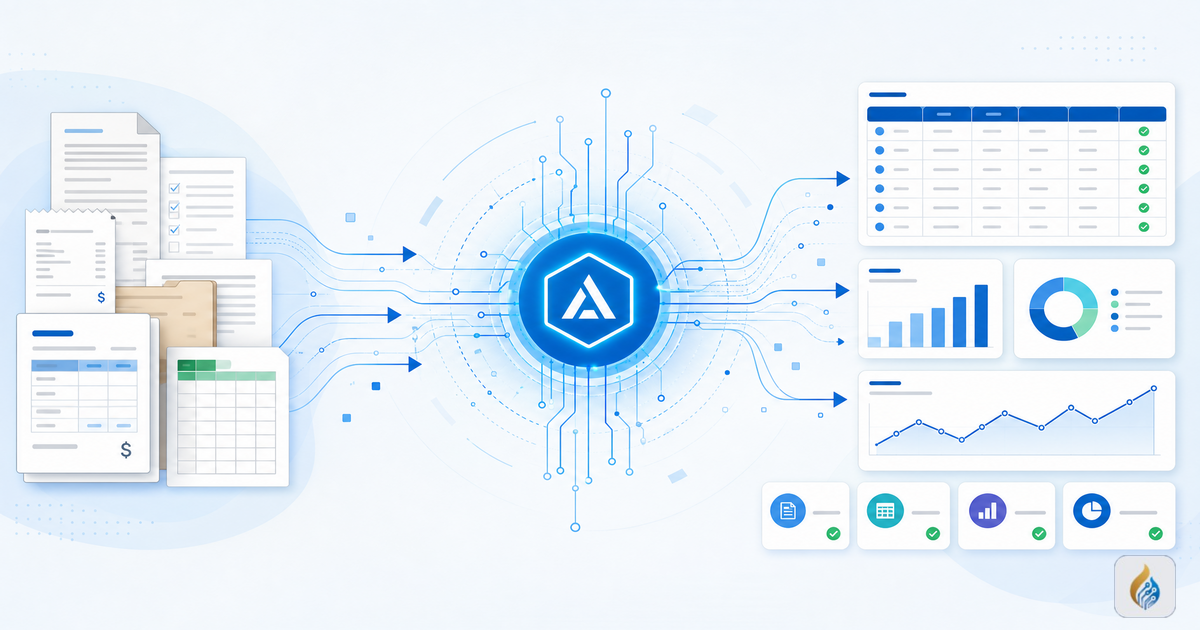
Your data entry clerk just quit. Or maybe you never had one, and the owner has been typing invoices into QuickBooks at 10 PM for the last three years. Either way, the data still needs to get into the system, and right now a human is doing it badly or slowly or both.
What Manual Data Entry Actually Costs
A small business processing 200 invoices a month spends roughly 25 hours on data entry alone. That's based on an average of 7-8 minutes per invoice: Open the PDF, read the line items, type vendor name, amounts, due date, account codes. At $20/hour for a clerk, that's $500 a month in wages. If the owner does it instead, the opportunity cost is higher. That's 25 hours not spent closing deals or fixing operations.
Then there are the errors. Manual data entry has an error rate of about 1 in 300 keystrokes, according to data from the American Productivity & Quality Center. On a typical invoice with 30-40 fields, that means roughly one error per 8-10 invoices. Some errors are minor, like a transposed digit in a PO number. Others are expensive, like a wrong payment amount that overpays a vendor by $1,200, or a miskeyed due date that triggers a late fee.
The real cost isn't the wage. It's the wage plus the errors plus the rework plus the time nobody tracks. For a business doing 200 invoices monthly, the all-in cost of manual entry easily runs $900 to $1,200 per month when you factor in error correction, delayed processing, and the occasional missed payment discount.
What AI Data Entry Actually Does
Modern AI reads documents the way your clerk does, except it reads the whole invoice in under three seconds and never fat-fingers a number.
Here's how it works in practice:
Extraction: AI pulls structured data from unstructured documents. PDFs, scanned receipts, email attachments, even handwritten delivery slips. It identifies vendor name, invoice number, line items, totals, tax amounts, and due dates without a template.
Validation: The system cross-checks extracted data against your existing records. If an invoice says you owe $5,400 but the purchase order shows $4,500, the AI flags the mismatch. If a vendor name doesn't match what's in your system, it asks for confirmation. This is where most of the error reduction happens. Not by being perfect, but by catching problems before they enter the system.
Sync: Validated data flows directly into your accounting or ERP system. No copy-paste, no manual re-entry. The invoice is coded, approved if it matches rules you set, and queued for payment.
The ROI, in Actual Numbers
Take that same 200-invoice-a-month business.
Time saved: Processing drops from roughly 7 minutes per invoice to under 30 seconds for AI review. That's about 22 hours saved per month, nearly three full workdays.
Error reduction: AI-assisted entry cuts error rates by 85 to 95% compared to manual input. Instead of 20 to 25 errors per month, you're dealing with 1 to 3. And those are the flagged ones, not the ones that slip through silently.
Late payment recovery: Faster processing means invoices get approved and paid on time. If the business was missing 2% early-payment discounts on $30,000 in monthly payables, that's $600 recovered, more than the clerk's monthly wage.
Total monthly impact: Roughly $500 in wage savings (or reclaimed owner time), $300 to $400 in avoided error costs, and $600 in recovered discounts. Call it $1,400 to $1,500 per month on the conservative end.
For a business processing 500 invoices a month, those numbers roughly double.
Why You Don't Need to Understand the Technology
You don't need to know how OCR works. You don't need to pick a model or configure extraction rules. You need to know that your invoices go in, clean data comes out, and your books stay current without someone spending half their week typing.
That's what we handle at Aurumflare. We set up the AI pipeline, connect it to your existing systems, train it on your document types, and tune it until errors drop to near zero. Your team reviews flagged items. The AI handles everything else.
If your data entry process still depends on a human reading invoices and typing numbers, [let's talk](https://aurumflare.com/contact). The ROI is real, the setup is fast, and your 10 PM invoice sessions can end.
See how AI automation could work for your business
Book a free 30-minute assessment — no pitch, just answers.
Book a Free Assessment